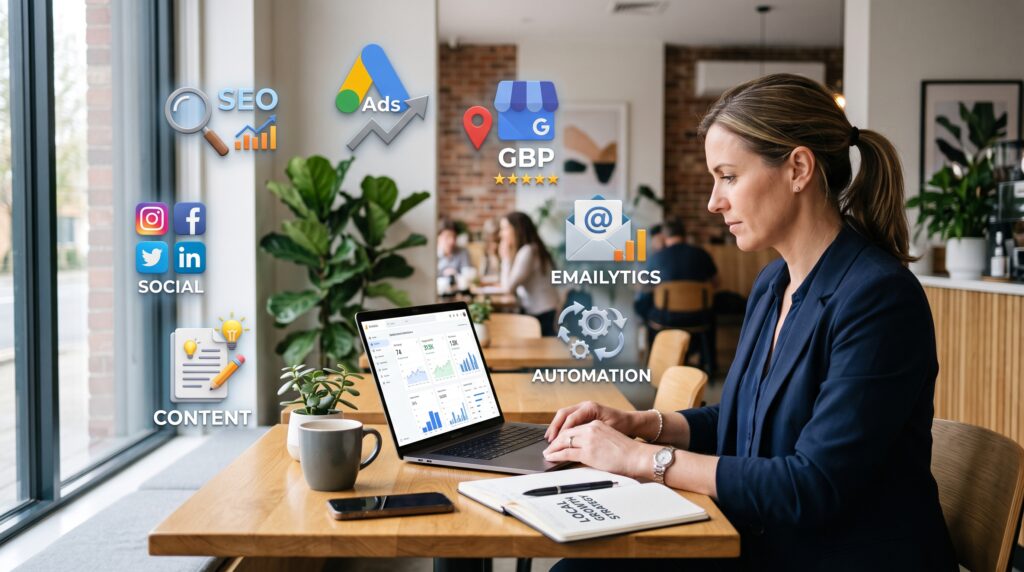

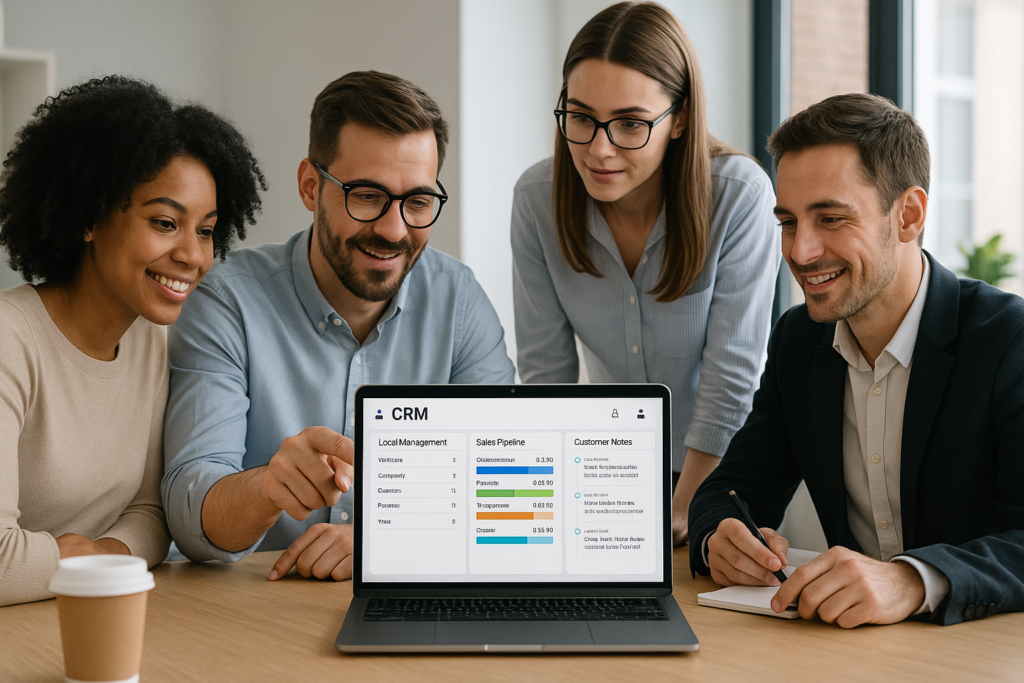
For any small business aiming to grow and maintain strong relationships with customers, understanding and using a CRM for small business is essential. A CRM, or Customer Relationship Management system, acts as the central hub where businesses can manage their leads, customer interactions, sales processes, and much more efficiently. At AM Digitalz, we recognize how CRM tools can transform the way small businesses operate by streamlining these critical tasks.
This article explains in straightforward terms what a CRM is, why your small business needs one, and how it can help you improve lead management, follow-up reminders, customer notes, pipeline stages, sales tracking, team collaboration, lost lead prevention, and maintaining a rich customer history. By the end, you will understand the key benefits of implementing a CRM and how AM Digitalz can assist you in setting up a system tailored to your business needs.
What Is a CRM for Small Business?
A CRM for small business is software designed to help companies organize and manage their customer information and interactions in one place. It goes beyond just storing contact details by providing tools to track leads, schedule follow-ups, monitor sales pipelines, and record customer histories. This makes it easier to nurture relationships, close sales, and provide excellent customer service.
Think of a CRM as a digital assistant that keeps your sales and customer data organized, accessible, and actionable. Instead of juggling spreadsheets, sticky notes, and emails, a CRM centralizes all relevant information so your business can operate smoothly and efficiently.
Lead Management: Capturing and Organizing Potential Customers
One of the primary functions of a CRM for small business is lead management. This means capturing potential customer information from various sources — whether through website forms, social media, or direct inquiries — and storing it in an organized way.
With a CRM, small businesses can automatically collect leads and segment them based on criteria such as interest level, location, or source. This segmentation allows for targeted communication and ensures no lead is forgotten or overlooked.
How AM Digitalz Supports Lead Management
AM Digitalz offers customized CRM solutions that integrate seamlessly with your existing marketing channels to capture leads automatically, giving your sales team a constant flow of fresh prospects to engage with.
Follow-Up Reminders: Never Miss an Opportunity
Following up with leads and customers is vital for converting prospects into paying clients. A CRM system helps by setting follow-up reminders and notifications, so your team knows exactly when to reach out again.
These reminders reduce the risk of dropping the ball on potential deals and improve the overall customer experience by ensuring timely communication.
Customer Notes: Keeping Track of Important Details
Every interaction with a customer can yield valuable information. A CRM allows your team to record notes about conversations, preferences, and specific requests. This detailed customer history helps personalize future interactions and builds stronger relationships.
Pipeline Stages: Visualizing Your Sales Process
A CRM for small business often includes a sales pipeline feature that visually represents the stages of your sales process, from initial contact to closing the deal. This visualization helps you understand where each lead stands and what actions are needed to move them forward.
Pipeline management enables better forecasting and resource allocation, ensuring your team focuses on the most promising opportunities.
Sales Tracking: Measuring Progress and Performance
Tracking sales activities and results is crucial for evaluating business performance. CRM software provides detailed reports and dashboards that show metrics like conversion rates, average deal size, and sales cycle length.
These insights allow business owners and managers to make informed decisions and optimize their sales strategies.
Team Management: Collaborate Effectively
A CRM system facilitates team collaboration by giving everyone access to the same up-to-date customer information. Team members can assign tasks, share notes, and communicate within the platform, reducing miscommunication and duplication of effort.
AM Digitalz’s Role in Enhancing Team Collaboration
At AM Digitalz, we help small businesses implement CRM solutions that improve team coordination and workflow, ensuring your staff works together efficiently to close more deals.
Lost Lead Prevention: Keeping Opportunities Alive
Many small businesses lose potential customers simply because they fail to follow up or track leads properly. A CRM for small business helps prevent this by automating reminders and keeping leads visible in the system until they are either converted or marked as lost.
This systematic approach ensures no opportunity slips through the cracks, improving your overall sales success rate.
Customer History: Building Long-Term Relationships
Maintaining a detailed history of customer interactions, purchases, and preferences enables your business to offer personalized service that encourages repeat business and loyalty. A CRM consolidates this information so it’s easily accessible whenever needed.
Common Mistakes to Avoid When Using a CRM
Readers responsible for putting this strategy into practice can explore AM Digitalz digital growth services from AM Digitalz for relevant implementation support.
- Not Training Your Team Properly: Without adequate training, your staff may not use the CRM effectively, leading to incomplete data and lost opportunities.
- Overcomplicating the System: Choosing a CRM with too many unnecessary features can overwhelm users. Focus on tools that meet your specific needs.
- Failing to Keep Data Updated: Outdated or incorrect information reduces the CRM’s effectiveness. Regular data maintenance is essential.
- Ignoring Integration Opportunities: A CRM should work well with your existing tools such as email and marketing platforms, to maximize efficiency.
- Neglecting Follow-Up Processes: Not using automated reminders or follow-up workflows can lead to missed sales.
Frequently Asked Questions About CRM for Small Business
What is the easiest CRM for small business beginners?
Many CRM systems offer user-friendly interfaces designed for beginners. Popular options include HubSpot CRM, Zoho CRM, and Pipedrive, which provide intuitive features without overwhelming complexity.
How much does a CRM for a small business typically cost?
Costs vary depending on features and the number of users. Some CRMs offer free tiers with basic tools, while others charge monthly fees ranging from $10 to $100 or more per user.
Can a CRM help improve customer retention?
Yes. By organizing customer data and enabling personalized communication, a CRM helps build stronger relationships and increases the likelihood of repeat business.
Is CRM automation important for small businesses?
Additional context for this subject can be found in the AM Digitalz blog collection of related Automation articles.
Automation in CRM saves time by handling repetitive tasks like follow-up reminders and data entry, allowing your team to focus on high-value activities.
How does CRM integrate with other business tools?
Most CRM systems offer integrations with email platforms, marketing software, accounting tools, and more, creating a connected ecosystem that streamlines business processes.
Conclusion: Why Your Small Business Needs a CRM
Implementing a CRM for small business is a practical step toward improving your customer management and sales processes. It helps you keep track of leads, schedule follow-ups, manage sales pipelines, and build lasting customer relationships — all from a single platform.
AM Digitalz specializes in helping small businesses select and implement the right CRM solutions to fit their unique needs and goals. If you want to enhance your sales efficiency and customer experience, contact AM Digitalz to explore how a CRM can work for your business.