
For small businesses looking to grow their customer base and increase sales, Google Ads can be a powerful tool. However, before you dive into paid marketing campaigns, it’s crucial to have certain elements in place to ensure your ads perform well and deliver a positive return on investment. At AM Digitalz, we understand the unique challenges small businesses face with Google Ads, and we emphasize preparation as the key to success.
This comprehensive guide will walk you through what you need before running Google Ads for small business. From crafting effective landing pages and offers to setting up tracking and budgeting properly, you’ll learn the essential steps to maximize your ad campaigns’ impact and avoid common pitfalls.
Why Preparation Matters for Google Ads for Small Business
Google Ads offers precise targeting and measurable results, but without proper setup, even the best ads can underperform. Small businesses often have limited budgets, so every dollar must count. AM Digitalz recommends ensuring your website and backend systems are ready to convert visitors into customers before launching ads. This preparation helps reduce wasted spend and increases your campaign’s overall efficiency.
1. A High-Converting Landing Page
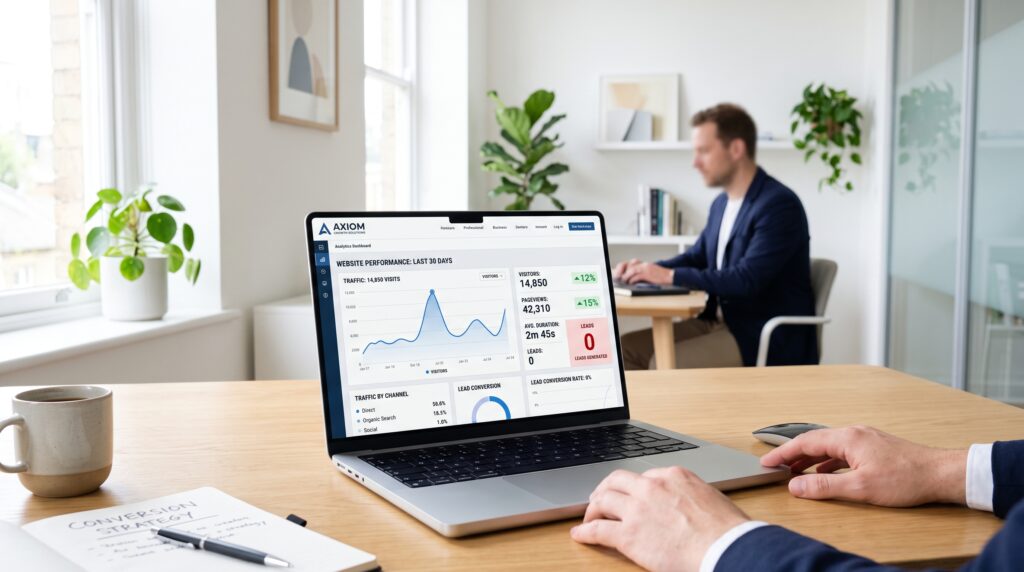
Your landing page is where potential customers arrive after clicking your ad, so it must be optimized to convert visitors. This means a clear headline, compelling offer, simple navigation, fast loading speed, and mobile responsiveness. The landing page should match the ad’s message closely to avoid confusion and improve Quality Score in Google Ads.
- Clear and concise messaging: Communicate your value proposition immediately.
- Strong call to action (CTA): Tell visitors exactly what to do next, like “Buy Now,” “Get a Free Quote,” or “Schedule a Demo.”
- Minimal distractions: Avoid clutter and unrelated links that can pull visitors away.
- Trust signals: Include reviews, testimonials, certifications, or guarantees to build credibility.
AM Digitalz specializes in designing landing pages that convert efficiently for small business Google Ads campaigns.
2. A Compelling Offer
Your ad needs a strong offer that motivates clicks and conversions. This might be a discount, free consultation, limited-time deal, or exclusive content. The offer should be relevant to your target audience and clearly communicated in both the ad copy and landing page.
Think about what will resonate most with your ideal customers and encourage immediate action.
3. Conversion Tracking Setup
Tracking conversions is critical to measure your Google Ads for small business success. Without tracking, you won’t know which ads or keywords generate leads, sales, or other desired actions.
- Set up Google Ads conversion tracking: Use the Google Ads interface to place tracking codes on key pages like order confirmation or thank you pages.
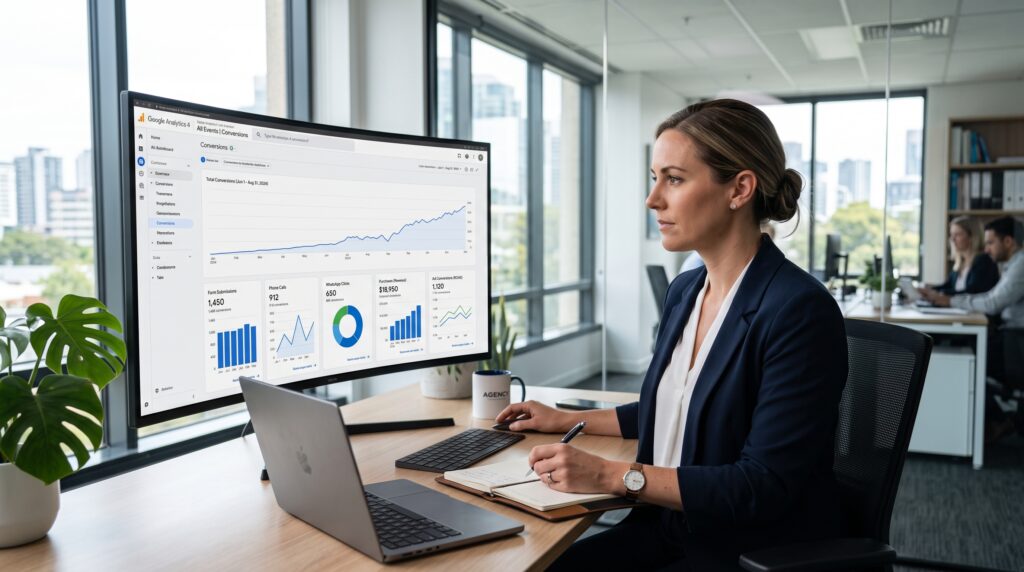
- Use Google Analytics: Link your Google Analytics account to Google Ads to get deeper insights into user behavior and conversion paths.
- Track phone calls: Use call tracking tools or Google’s call extensions to measure calls generated by your ads.
AM Digitalz can help small businesses implement robust tracking systems to optimize ad spend and improve ROI.
4. Thorough Keyword Research
Keywords are the foundation of any Google Ads campaign. Effective keyword research identifies the search terms your potential customers use and helps you bid on the right queries.
- Use Google Keyword Planner: Find relevant keywords with good search volume and manageable competition.
- Consider long-tail keywords: These are less competitive and often more targeted, leading to better conversion rates.
- Analyze competitor keywords: Understand what keywords competitors target to find gaps or opportunities.
Proper keyword research ensures your ads appear for relevant searches, reducing wasted spend and increasing conversions.
5. Negative Keywords List
Negative keywords prevent your ads from showing on irrelevant searches, saving budget and improving click-through rates. For example, if you sell premium products, you might exclude terms like “cheap” or “free.”
Regularly updating your negative keyword list is a best practice to maintain campaign efficiency.
6. Realistic Budget Planning
Small businesses need a clear budget based on goals and expected costs per click (CPC). Knowing how much you can spend daily and monthly helps prevent overspending and allows for steady campaign optimization.
- Start small: Begin with a test budget to gather data and adjust accordingly.
- Focus on ROI: Track cost per acquisition (CPA) rather than just clicks.
- Adjust based on performance: Increase budget on high-performing campaigns and pause low performers.
7. Location and Audience Targeting Setup
Google Ads for small business works best when targeting is precise. Define geographic locations where your ads should appear, whether local, regional, or national. Consider demographic and interest-based targeting to reach your ideal customers.
Refining your audience reduces wasted impressions and increases the chance of conversions.
For professional help, explore AM Digitalz PPC and Google Ads services or review the complete range of solutions on the AM Digitalz website.
8. Call Tracking and Lead Forms
For many small businesses, phone calls are a primary conversion action. Implement call tracking to measure which ads and keywords generate calls. Additionally, lead forms on landing pages can capture visitor information for follow-up.
Ensure your forms are simple and quick to complete, asking only for essential information.
9. Follow-Up Systems and CRM Integration
Generating leads is just the first step. To convert prospects into customers, you need a reliable follow-up system. This could be an email drip campaign, phone outreach, or CRM software that tracks customer interactions.
AM Digitalz provides digital marketing services that include setting up and integrating CRM systems to ensure no lead gets lost and follow-ups happen promptly.
Common Mistakes to Avoid Before Running Google Ads for Small Business
- Launching without tracking: You won’t know what’s working or wasting budget.
- Ignoring landing page quality: Sending traffic to an unoptimized page wastes clicks.
- Using broad keywords only: Leads to irrelevant clicks and higher costs.
- Not setting negative keywords: Causes ads to show on unrelated searches.
- Skipping follow-up processes: Losing leads due to lack of timely contact.
Frequently Asked Questions (FAQ)
1. How much should a small business budget for Google Ads?
Budget varies by industry and goals, but starting with $500 to $1,000 per month is common. Adjust based on campaign performance and ROI.
2. How long does it take to see results from Google Ads?
Results can be seen within days for clicks and traffic, but conversions and ROI usually take a few weeks of optimization.
3. Can I run Google Ads without a website?
A website or at least a dedicated landing page is strongly recommended to convert visitors effectively and track results.
4. What are negative keywords and why are they important?
Negative keywords exclude irrelevant searches, saving budget and improving ad targeting quality.
5. How do I track phone calls from Google Ads?
Use Google’s call tracking features or third-party call tracking software integrated with your ads.
6. Should I manage my Google Ads campaign myself or hire a professional?
While DIY is possible, many small businesses benefit from expert management to optimize budgets and results. AM Digitalz offers professional PPC management services tailored to small businesses.
7. What is Quality Score and why does it matter?
Quality Score is Google’s rating of your ads’ relevance and landing page experience. Higher scores reduce costs and improve ad placement.
For more practical guides, visit the AM Digitalz blog and explore related PPC articles.
Conclusion: Get Ready to Launch Successful Google Ads for Small Business
Running Google Ads for small business requires more than just setting up an account and writing ads. Preparation is key—having a compelling offer, optimized landing pages, proper tracking, and a follow-up system in place will set you up for success. AM Digitalz specializes in helping small businesses prepare and execute effective Google Ads campaigns that deliver measurable results.
If you’re ready to grow your business with Google Ads, contact AM Digitalz to get expert guidance and full-service PPC management tailored to your needs.