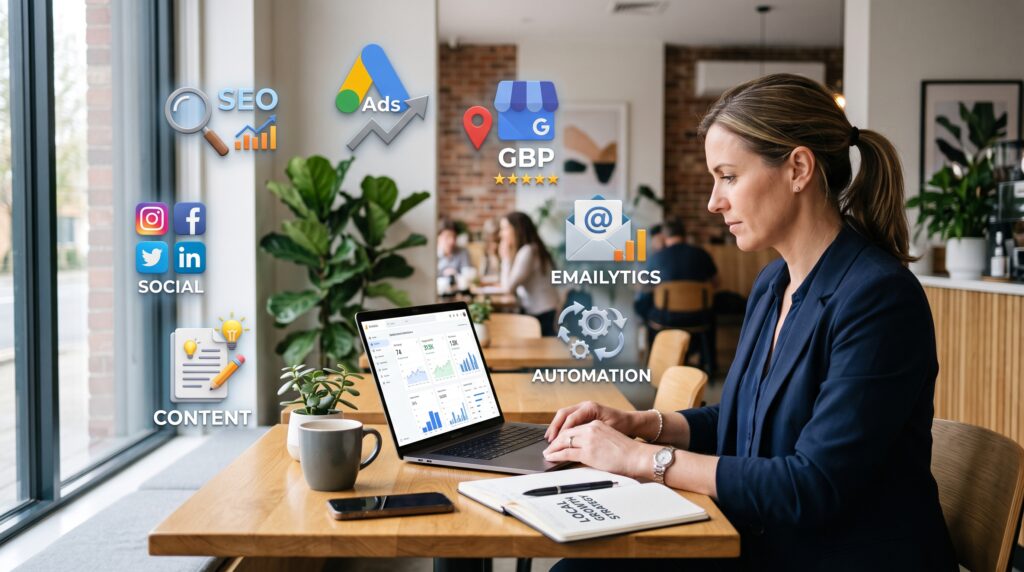

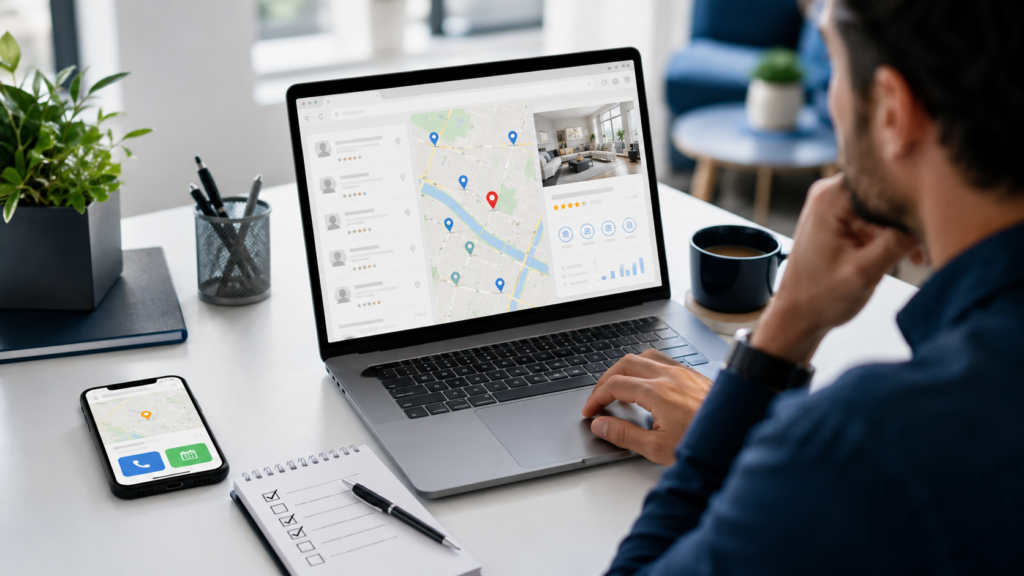
A well-optimized Google Business Profile (GBP) is one of the most effective ways for local businesses to increase visibility, drive phone calls, boost foot traffic, and build customer trust. This practical checklist covers every element you should optimize — and why it matters for local ranking and customer confidence. Use this step-by-step guide to improve your Google Maps presence and convert searchers into customers.
How to use this checklist
Work through each item below and mark it complete. Some adjustments take minutes, others need ongoing attention. Prioritize accuracy and consistency — those are signals Google uses for local ranking. If you manage multiple locations, repeat the checklist for each GBP listing.
Core profile information
1. Business name
Why it matters: The business name must match your real-world business. Google uses this for verification and to prevent spammy listings. Consistency across the web supports local ranking.
Action steps:
- Use your legal or trade name exactly as customers know it.
- Do not add keywords, city names, or services to the business name unless they are part of your official name.
- Check that the name matches your website, signage, and directories.
2. Category
Why it matters: The primary category tells Google what your business is and determines which searches you can appear for on Maps and local packs.
Action steps:
- Select the most specific primary category (e.g., “Pediatric Dentist” vs. “Dentist”).
- Add secondary categories for other important services, but avoid irrelevant categories.
- Review category options periodically if you expand your services.
3. Services
Why it matters: Adding detailed services helps Google match your listing with relevant queries and gives customers clarity on what you do.
Action steps:
- List each service separately with clear names and short descriptions.
- Include pricing or starting prices if appropriate.
- Use terms your customers use — not industry jargon.
4. Business description
Why it matters: The description is your chance to summarize your unique value and include naturally phrased keywords for Google Business Profile optimization.
Action steps:
- Write a concise 150–300-word description that highlights primary services, service areas, and unique selling points.
- Include the focus keyword “Google Business Profile optimization” only if it fits naturally (for agencies or consultants) — otherwise prioritize customer-centric language.
- Use a friendly, professional tone and include a clear call-to-action (e.g., “Call for a free estimate”).
Visuals and content that build trust
5. Photos and cover image
Why it matters: High-quality photos increase clicks, convey professionalism, and help customers understand your location, team, and offerings.
Action steps:
- Upload a mix: exterior, interior, team, products, services in action, and happy customers (with permission).
- Use high-resolution images that load quickly and show your brand consistently.
- Set a clear, attractive cover image and a professional logo.
6. Products (if applicable)
Why it matters: Product listings let local shoppers discover what you sell directly in your profile, improving engagement and conversions for retail or eCommerce-adjacent businesses.
Action steps:
- Add featured products with descriptions, prices, and clear photos.
- Organize products into collections for easier browsing.
- Keep inventory and pricing up to date.
7. Posts (offers, updates, events)
Why it matters: Regular GBP posts signal that your business is active and provide fresh content for customers and Google. They can drive clicks to offers, events, or booking pages.
Action steps:
- Publish posts weekly or at least every 2–3 weeks: highlight promotions, new services, and events.
- Use clear CTAs like “Book now” or “Call today.”
- Include an image and relevant keywords naturally in the post copy.
Customer interaction and social proof
8. Questions & Answers (Q&A)
Why it matters: The Q&A section helps prospects get quick answers and shows common customer concerns. It also affects relevance for specific queries.
Action steps:
- Seed the Q&A with common questions and authoritative answers (e.g., hours, parking, appointment policies).
- Monitor and respond promptly to new questions — accurate, timely answers improve trust.
- Use the business owner response option to provide clear, helpful replies.
9. Reviews and review responses
Why it matters: Reviews are a major local ranking factor and the most visible sign of trust for prospective customers.
Action steps:
- Make it easy for customers to leave reviews: use follow-up emails, receipts, or a short link.
- Respond to all reviews professionally: thank positive reviewers and address negative feedback with solutions.
- Track review trends and ask satisfied customers to mention specific services (helps with relevance).
Conversion and tracking
10. Appointment links and booking
Why it matters: Direct booking links turn search interest into appointments without friction, improving conversion rates and user experience.
Action steps:
- Integrate a reliable booking provider or your website booking page into your GBP.
- Test the booking flow regularly to ensure it works on mobile and desktop.
- Use clear service names and available times in the booking system to reduce cancellations.
11. Website link and landing pages
Why it matters: The website link drives deeper engagement. Well-optimized landing pages improve conversion and signal relevance to Google.
Action steps:
- Point the primary link to a relevant service or location landing page rather than a generic homepage when possible.
- Ensure landing pages load fast, are mobile-friendly, and include clear CTAs and NAP (Name, Address, Phone).
- Use URL tracking (UTM parameters) to measure traffic from GBP in analytics.
12. Call tracking
Why it matters: Call tracking lets you measure phone leads from your GBP and understand which listings or campaigns drive calls.
Action steps:
- Use a call tracking number routed to your main phone and mapped in analytics.
- Ensure call tracking setup does not break NAP consistency across the web.
- Review call recordings or transcripts (with consent) to identify common questions and improve listing text.
Maintenance and ongoing optimization
13. Regular updates and monitoring
Why it matters: A neglected profile looks outdated and may lose ranking. Regular updates keep your listing accurate and engaging.
Action steps:
- Set a monthly schedule to post updates, add photos, and review Q&A and reviews.
- Update hours for holidays, special events, or temporary closures using Google’s special hours feature.
- Monitor insights in GBP to see what queries, photos, and posts drive engagement and adjust accordingly.
14. Consistency across citations and directories
Why it matters: Consistent NAP and business details across the web validate your GBP and support local ranking.
Action steps:
- Audit major directories (Yelp, industry sites, local chambers) and correct inconsistencies.
- Use the exact formatting of your business name, address, and phone number found in GBP.
- Consider a citation management tool if you have many listings or locations.
Quick checklist (summary)
- Business name — accurate and consistent
- Primary & secondary categories — specific and relevant
- Services — detailed list and descriptions
- Business description — clear value proposition
- Photos & cover image — high quality and varied
- Products — featured with images and prices
- Posts — regular offers and updates
- Q&A — seed and monitor answers
- Reviews — solicit and respond promptly
- Appointment links — frictionless booking
- Website link — relevant landing pages with UTM tracking
- Call tracking — measure phone leads
- Regular updates — monthly monitoring and adjustments
- Citations — consistent NAP across directories
Conclusion
Google Business Profile optimization is a combination of accurate information, strong visuals, ongoing engagement, and reliable tracking. Local businesses that follow this checklist will improve their chances of appearing in Google Maps, earning more calls and visits, and building customer trust.
If you’d like help implementing this checklist or managing multiple locations, AM Digitalz specializes in local SEO and Google Business Profile optimization for small businesses and service providers. Reach out for a practical audit and a prioritized action plan to improve your local visibility.